Select fixed VHD(‘abcd.vhd’) to produce ‘abcd_fixed.vhd’, which can be opened in Hyper-V as a
Virtual Machine(without this, ‘abcd.vhd’ won't boot as Virtual Machine).
The Difference Between a .VHD and an OS Disk
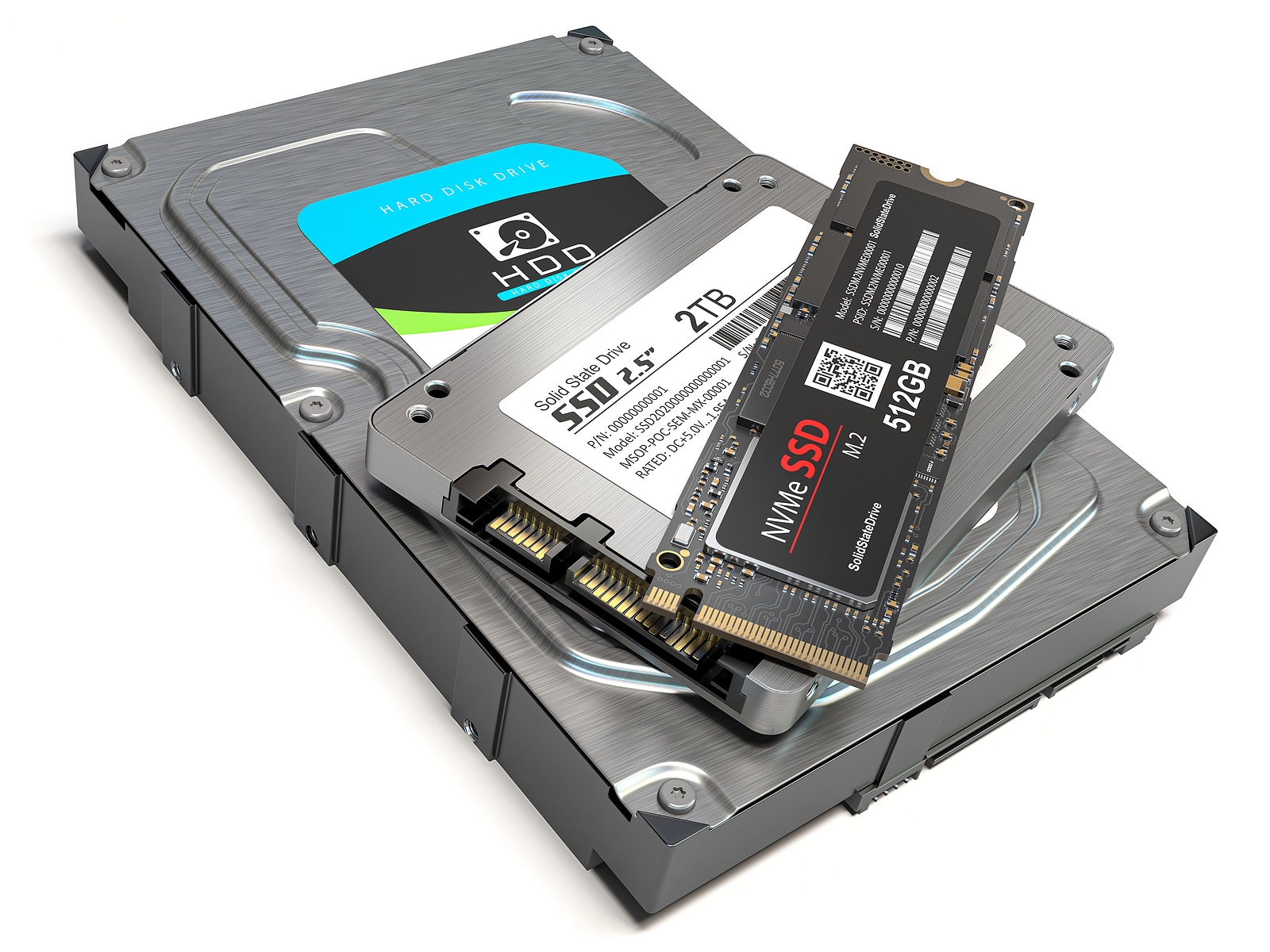
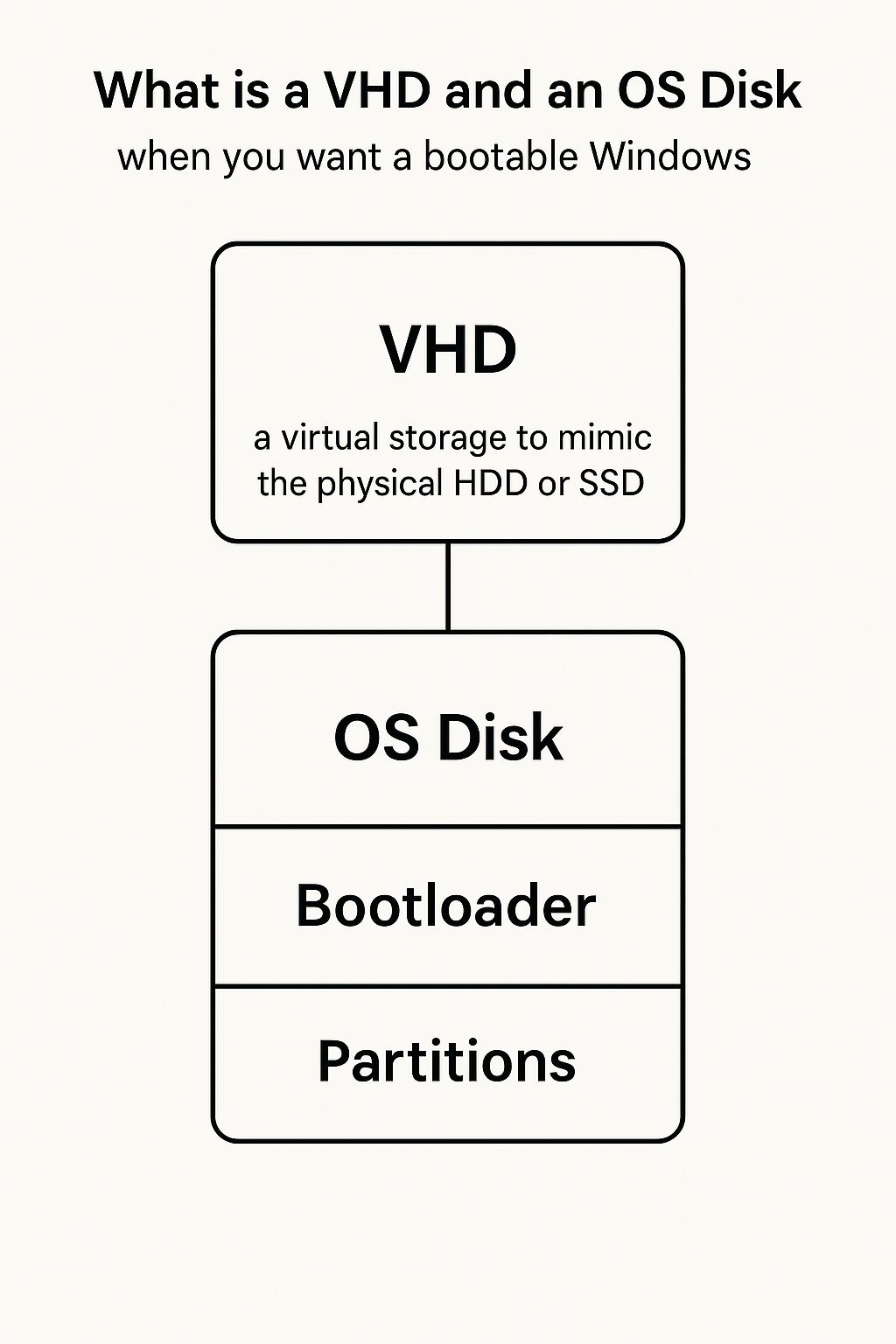
A VHD is a virtual representation of a HDD or SSD.
Think of a VHD like a physical hard drive. A new HDD/SSD from a store is empty and must be formatted,
partitioned, and have an OS installed. A VHD is the same but exists as a file.
Real HDD vs. VHD – Side by Side
Real HDD/SSD
Virtual Hard Disk (VHD)
A physical device inside your computer
A file stored on another drive, acting like a hard disk
Can store anything: data, OS, apps
Can also store anything: data, OS, apps
Needs to be partitioned & formatted before use
Also needs partitioning & formatting before use
Can be made bootable by installing an OS
Can also be bootable, but only if set up correctly
Connected via SATA, NVMe, or USB
Connected virtually to a VM via Hyper-V, VirtualBox, etc.
How a Bootable OS Works (Real vs. VHD)
For a VHD to be bootable, it needs:
Partitions (boot partition, system partition, etc.)
Windows files installed
A bootloader (so the computer knows how to start Windows)
If anything is missing, the VHD won’t boot, even if Windows is installed inside.
VHD vs. VHDX – What’s the Difference?
When Should You Use Each?
Use VHD if:
You need compatibility with older systems (Windows 7, older Hyper-V, VirtualBox).
The disk size won’t exceed 2TB.
Use VHDX if:
You want better performance and stability.
Your disk will be larger than 2TB.
You need protection against corruption (useful for critical data).
VHD is still widely supported, while VHDX is recommended only if storing more than 2TB.